Mock API vs json-server: When a Hosted Mock REST API Works Better
json-server is genuinely excellent at one job: getting a single developer to a working REST API in under five minutes,
with zero configuration. The question this article tries to answer honestly is what happens after those five
minutes — when the project outlives Friday, when a second engineer needs to hit the same URL, when QA wants test cases,
when the iOS dev asks for a build env, when the demo has to run on the PM's laptop. The answer changes a lot depending
on which of those scenarios you're actually in.
This isn't a "ditch json-server, switch to the cloud one" marketing post. json-server is the right tool for a specific shape of work, and that shape is common. The mistake is assuming the shape covers more situations than it does, and then quietly maintaining workarounds until you've built a half-functional ops layer for a tool that was never designed to need one.
By the end of this piece you'll have a clear decision flow: when to stay local, when to go hosted, and where MSW belongs in the conversation. Every tradeoff, no marketing math.
What json-server actually does well
Most "alternative to json-server" pieces online aren't fair to it. The honest version of what it does well is exactly this: one file, one command, full CRUD.
npx json-server db.json
You get full CRUD on every top-level key in that file. GET, POST, PUT, PATCH, DELETE. Pagination via _page
and _limit. Sorting via _sort and _order. Filtering via direct field matching. Relationships if you follow
naming conventions. All of it with one file and one command.
For a personal project, a UI sketch, a coding interview, or a "convince myself this idea works" prototype, that's the right level of friction. I still reach for json-server sometimes. The trap isn't using it — it's deploying the project workflow around it and forgetting to revisit the decision.
What json-server doesn't do (and the workarounds that don't scale)
Roughly in the order you'll hit them:
- The mock lives on your laptop. Nobody else can reach it. The first workaround is ngrok, which works for an
- afternoon demo and falls over for anything longer — the free tier rate-limits, the URL changes on every restart,
- anyone with the link can hit anything.
- Two devs, two mocks. As soon as a second engineer needs to develop against the same data, you've doubled your
- source of truth. If you each edit your own
db.json, you're shipping against different worlds. If you sharedb.json - in the repo, every save becomes a merge conflict because PUTs and POSTs rewrite the file.
- No latency, no failure, no chaos. The fastest way to ship a broken loading state is to develop against a mock
- that returns in 2 ms. You can fake delays in a middleware file, but you're now maintaining mock middleware as well
- as mock data, and your
delay: 1000is one of fifteen reasons yourgit diffis unreviewable. - No authentication. Every endpoint is public to anyone who can reach the port. Fine on
localhost. Less fine - the moment the mock is on a public URL with
transactionsin the schema. - One JSON file, one writer. If you want to test that two services hitting the same endpoint don't race each other,
- you need a real shared backend. json-server's persistence is "rewrite the file on each PUT", which doesn't
- survive concurrent writes.
Each limit has a documented workaround. Each workaround pushes you closer to "I'm running a tiny ops team for my mock backend". That's the tradeoff that gets glossed over in the comparison articles.
The threshold where json-server stops paying off
There's a fairly sharp threshold, and it has nothing to do with code quality. It's about who else needs the mock.
- One developer, one mock, two days. json-server is the right answer. Anything else is overkill.
- One developer, one mock, three weeks. Still json-server, but
db.jsonis now in the repo, your "temporary mock" - is part of the project, and the next person who joins will inherit it.
- Two developers, same data, same week. The cracks show. You can share
db.jsonin the repo, but every test setup - mutates it, and CI runs find drift.
- One developer plus QA plus a designer. You need a stable URL. ngrok works for QA. The designer is in a different
- timezone, and the link is dead by morning.
- Any consumer beyond your laptop — CI, mobile, a Postman collection, a Storybook deploy. A hosted mock starts
- looking less like infrastructure and more like the most boring decision you could make.
Most teams cross that last threshold without realising, then spend a week deploying json-server to whatever PaaS they can find. It works. It's also four hours of yak shaving that didn't exist on Monday.
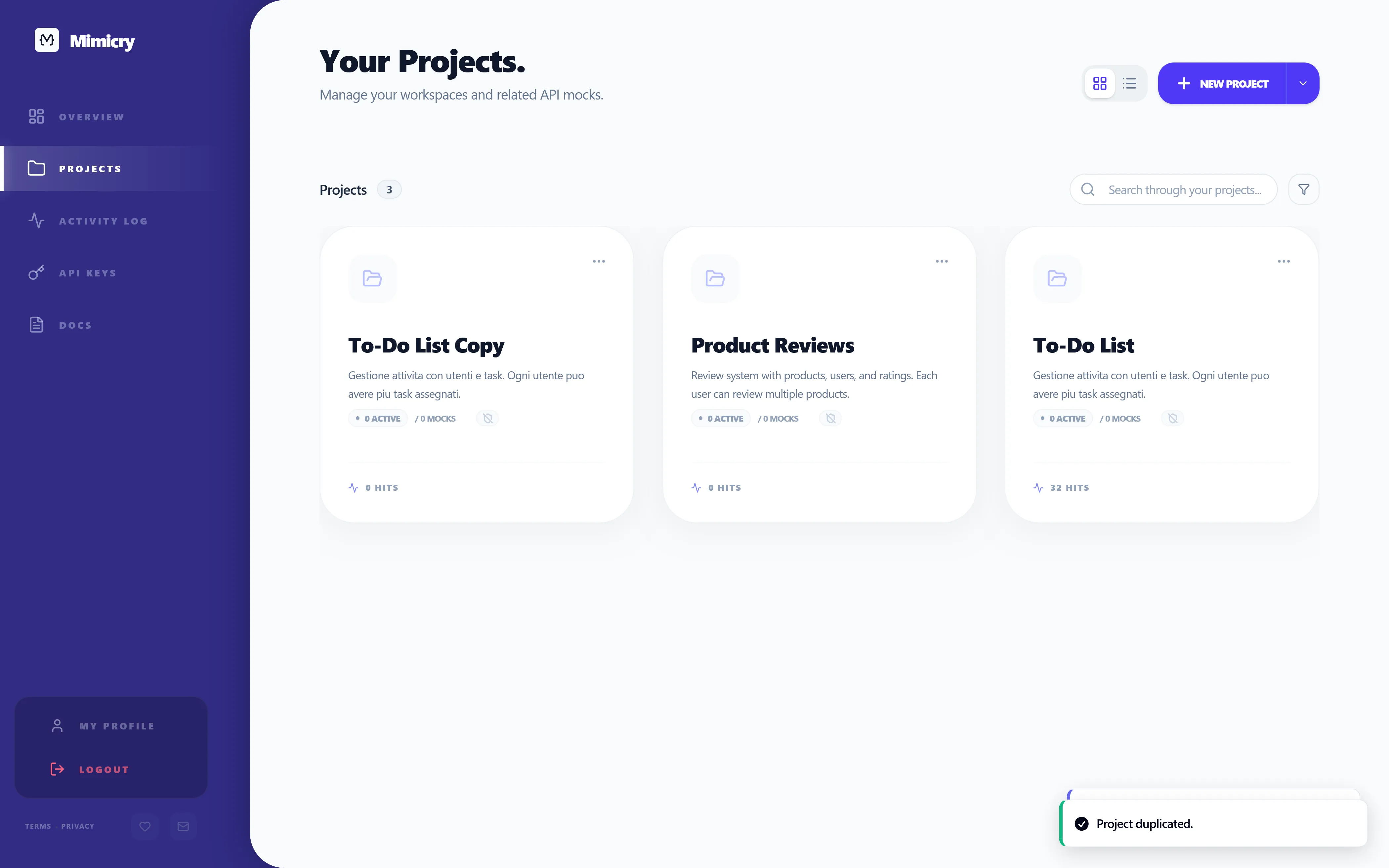
What a hosted mock gives you (the honest version)
Marketing pages oversell this. The honest tradeoffs:
You give up:
- The "just edit a file in vim" workflow. Hosted mocks have a UI, and the UI is the source of truth for schemas.
- (Mimicry lets you export schemas as JSON, but the everyday workflow is the editor.)
- Zero account. You sign up. It takes 30 seconds and it's free, but it's still an account.
- Local-first iteration. The mock is at a URL, not a port. You need internet — which you needed anyway to commit
- code, but it counts.
You get:
- A stable URL anyone on your team can paste into an
.envfile, a Postman collection, a Storybook config, or a - mobile build setup.
- Latency, failure rates, and per-method chaos as actual controls, not middleware you wrote at 11pm.
- Multi-resource graphs with foreign keys, nested routes, embedding — the things a real backend has, that a flat
- JSON file can't represent. (How to Mock an E-Commerce REST API walks through this end to end.)
- API keys that protect endpoints when you don't want them publicly callable.
- Shared schema editing, so two devs are looking at the same field definitions instead of two diverging JSON files.
Both columns are real. If your project is one-person and short, the "give up" column outweighs "get". For anything else, the math flips fast.
A decision flow that's actually useful
Not "always Mimicry", because that would be silly. The version I actually follow:
- Is the mock for you alone, this week only? Use json-server. Stop reading. Get back to work.
- Will anyone else (QA, designer, mobile, CI) need to hit the same URL? Stop using json-server. Use a hosted mock.
- Do you need to test failure paths — slow responses, 500s, malformed payloads — and share those scenarios with QA? Use a hosted mock. MSW can simulate them, but only inside your bundle.
- Are you mocking a graph with foreign keys, relationships, nested routes? Use a hosted mock. json-server's relationship support requires file-level config that doesn't scale past a couple of joins.
- Are you writing unit and integration tests that intercept fetch at the bundler level? Use MSW alongside whatever else you're using. Different tool, different boundary, not in competition with json-server or Mimicry.
The reason this flow matters is that the cost of switching mid-project is high. You don't just swap the URL — you re-create the data, port the schemas, retrain the team, re-document everything. Picking the right tool in week one saves a week three later.
The mistake I see most often
I've watched teams default to json-server because "we'll just use json-server, it's faster". Then in week four, when the demo needs to run on the PM's laptop, they spend two days deploying json-server to a cloud service. In week six, when QA needs to write a test suite, they spend three more days putting auth and rate limiting in front of it. By week eight, they've built a half-functional hosted mock service themselves. They've also missed two release windows.
The honest version of "let's use json-server, it's faster" is "let's use json-server for the spike". If the project is going to live longer than a sprint, that decision needs to be made twice — once for the prototype, once for the real thing. The second decision is the one most teams forget to make.
When MSW belongs in this conversation
Quick aside, because every comparison piece on the internet conflates these. MSW (Mock Service Worker) lives inside your bundle and intercepts requests at the network layer. It's wonderful for unit and integration tests, because the test runner controls the mock and the mock dies with the test process.
What MSW isn't is a shared development environment. Your CI runner can use MSW, but a designer can't — there's no URL to point at. If you need both — tests and a shared dev environment — run both. json-server and a hosted mock are alternatives to each other; neither competes with MSW.
Where to go from here
If you're choosing between json-server and a hosted mock for the first time, the decision flow above is the short answer. If you're past that and want the broader process — contract design, env var setup, fetch boundary, testing failure paths — How to Mock an API for Frontend Development is the full playbook. If your project specifically needs relationships and a multi-resource graph, How to Mock an E-Commerce REST API walks through the template-based setup.
If you've already shipped a frontend against a static fixture and want to know why your loading and error states are quietly broken, Static JSON Mocks Are Not Enough and How to Test Loading, Empty, Error, and Success States are the two pieces that fix that. For breaking your mock on purpose, API Chaos Testing for Frontend Developers.
The fastest way to see whether a hosted mock fits your workflow is to spin one up — guest mode means no signup for the first endpoint, and you'll know in about ten minutes whether the tradeoffs make sense for your team.
Ready to try it yourself?
Stop waiting for the backend. Use Mimicry to create a mock API, launch a mock REST API generator, or share a hosted mock API with your team.
Create a Mock API